
How will FieldCRM help me run my day?
See what's booked, which quotes need a reply, and which invoices still need payment. Each customer's work and notes stay together, so you can pick up where you left off.
Built for owner-operators and small crews
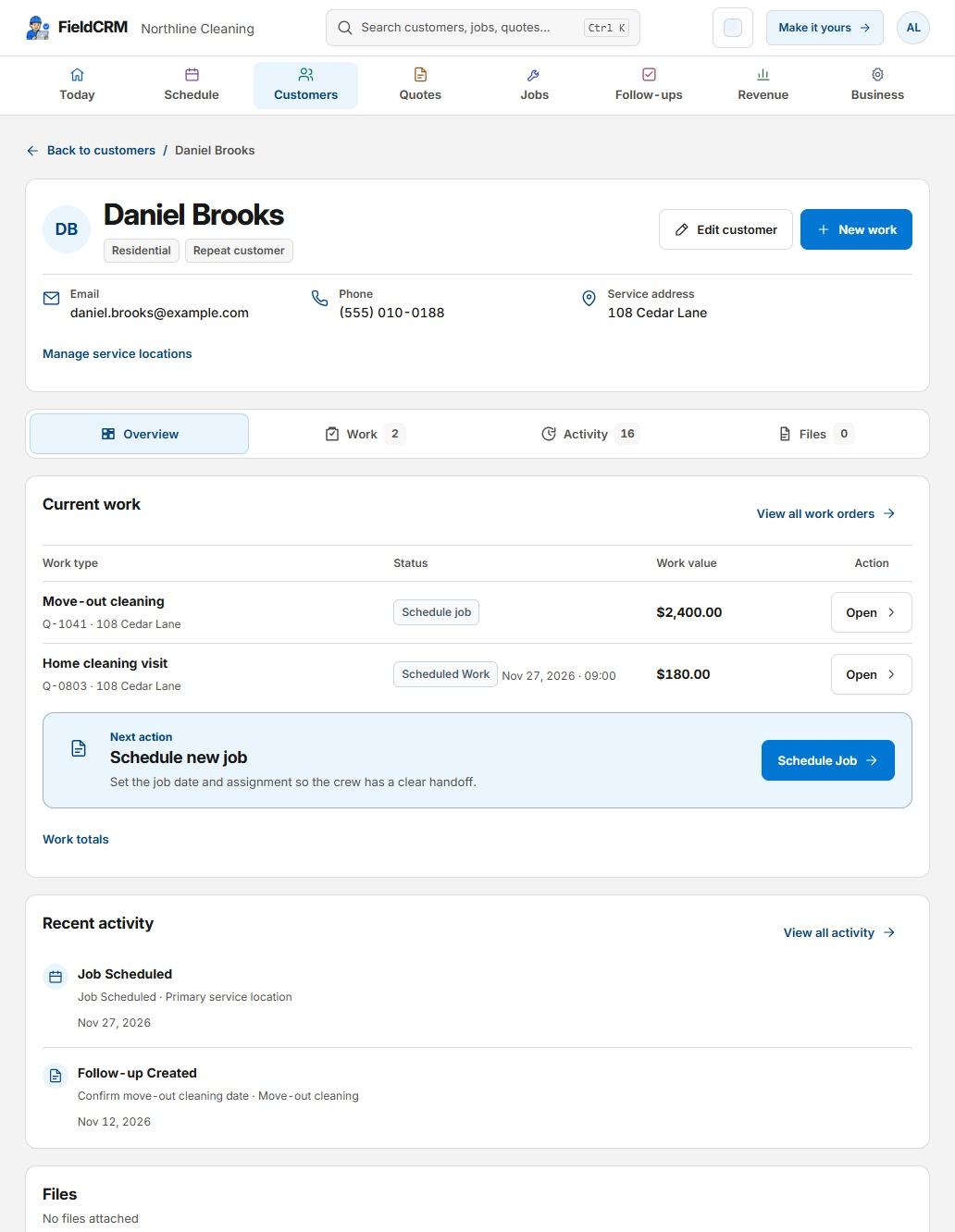
FieldCRM gives small service businesses one place to run the day. Keep quotes, jobs, invoices, and follow-ups tied to the customer so you can see what's booked and what needs attention.
14 days. No card required. No automatic charge. Starts on Solo.
See how customers, jobs, and payments stay connected.
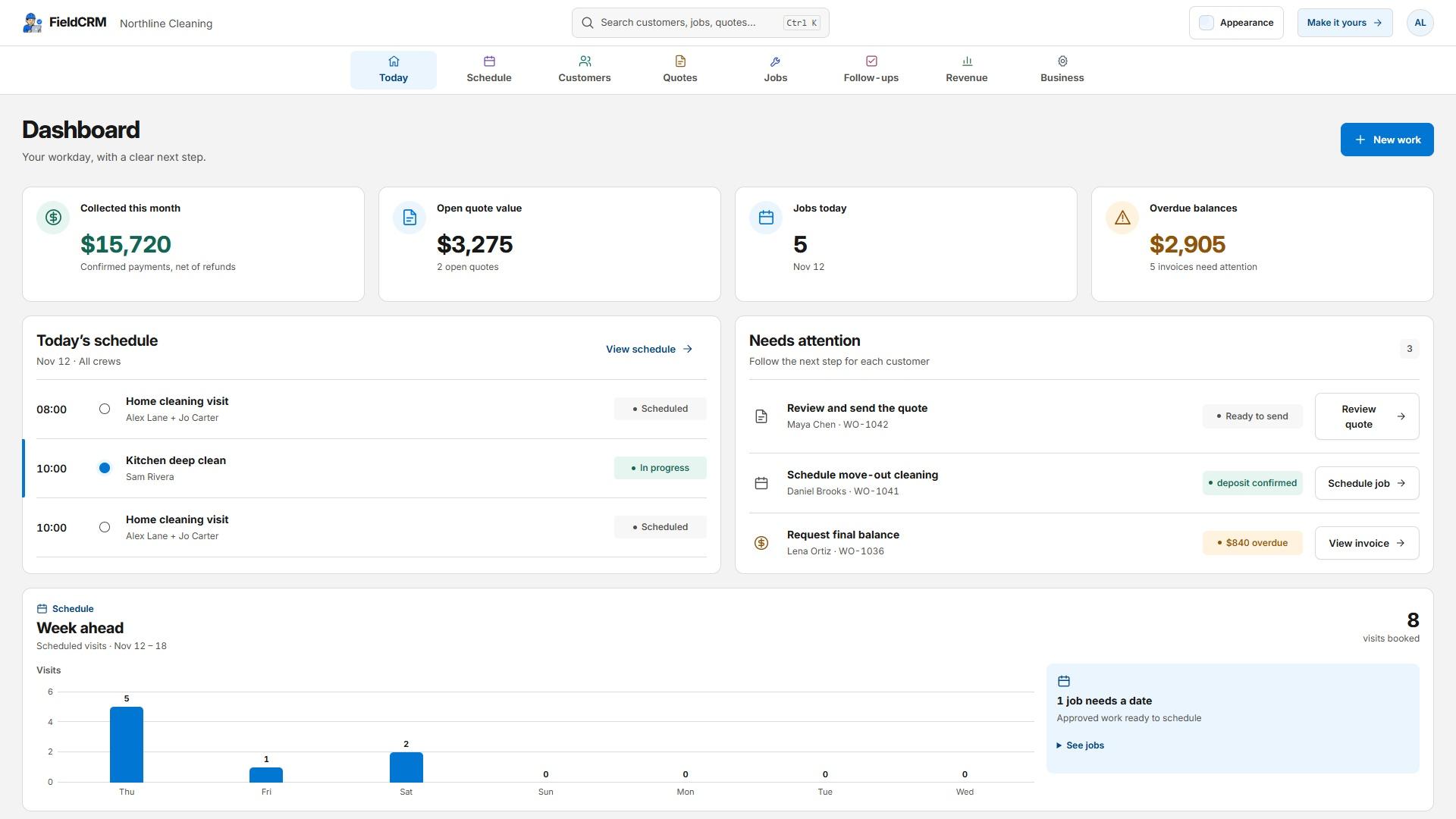
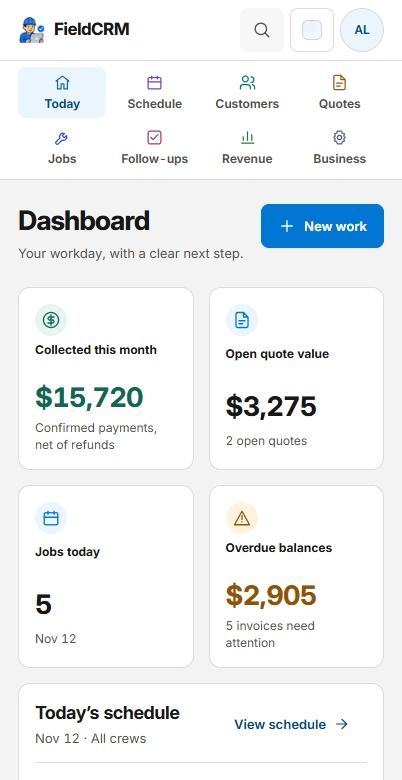
Give each job one place to live. When a customer calls, see what you quoted, what's scheduled, and what needs a follow-up.
Save the customer, service address, and scope together on a Work Order.
Build an itemized estimate and see when the customer approves or declines.
Schedule the visit, then prepare the invoice and keep the balance and next follow-up in view.
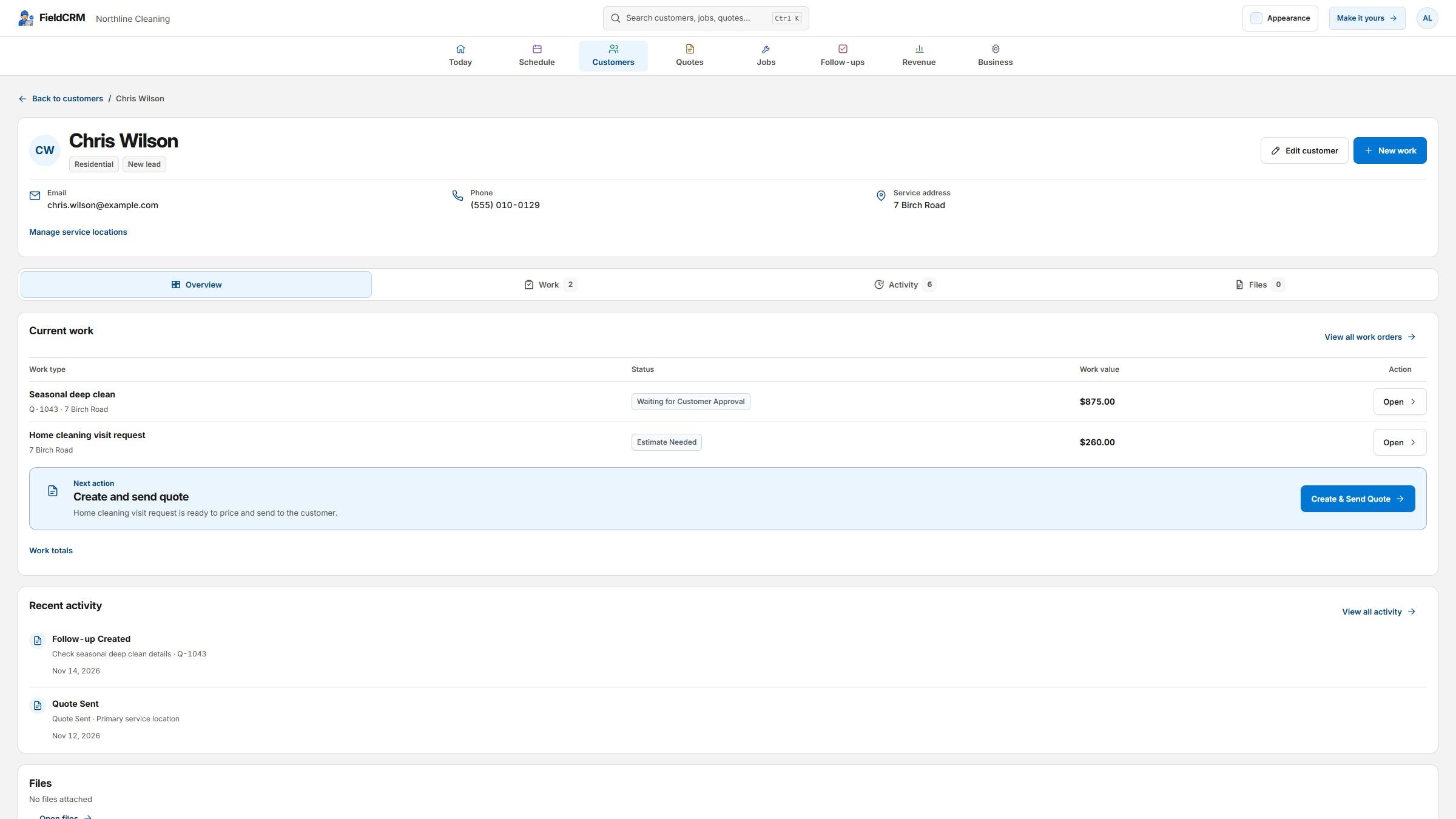
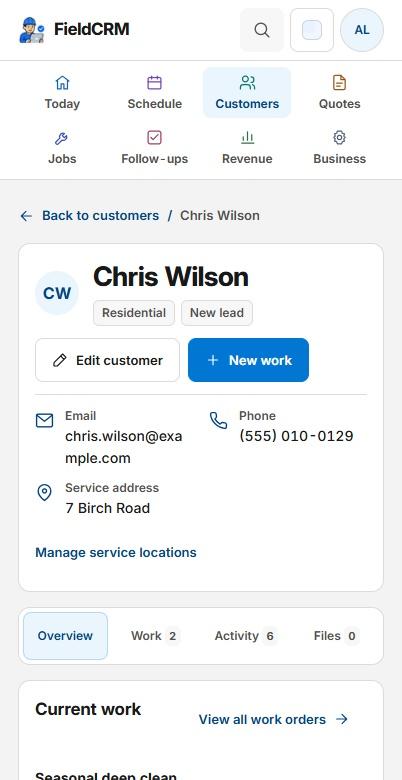
FieldCRM can recommend the next action and hold an owner-created follow-up. Customer communication, scheduling, and job completion remain explicit owner actions.
Customer spreadsheet import
Start with the customer list you already have. Match the columns and review the details before adding anyone.
Upload your customer list as CSV, TSV or Excel (.xlsx).
Bring names, company details, email, phone, a primary service address, notes and tags.
Check each row before confirming. Duplicate matches are skipped and existing customers are never overwritten.
Choose the business type closest to your work, then run the same clear customer-to-job workflow from the office, truck, or job site.
Customers, service addresses, Work Orders, estimates, approvals, jobs, payments, notes, photos, and follow-ups live together.
FieldCRM works on phone, tablet, laptop, and desktop.
Solo is $29, Team is $49, and Business is $99. No annual contract.
Founder-led and bootstrapped
FieldCRM is independently built, so product feedback stays close to the people building it. Tell us which feature or workflow would make daily operations easier—recurring needs help shape future updates.
Every plan covers the basics, from quotes to payments. Pick the plan that fits your crew.
Compare plansSee what's booked, which quotes need a reply, and which invoices still need payment. Each customer's work and notes stay together, so you can pick up where you left off.
It's built for owners and small crews who work at customer sites, from cleaners and landscapers to plumbers, painters, and HVAC crews.
Yes. Try the Solo plan free for 14 days, with no card and no automatic charge. You can still view your work when the trial ends. Choose a paid plan if you want to keep editing.
Yes. Check your schedule, look up a service address, or see what's been paid from the job site or the office.
Create your account, confirm your email, and add your business name. Then add a customer or bring your customer list and start organizing your next job.
Yes. Bring up to 500 customers per file from Excel, CSV, or TSV. Review the details first. FieldCRM skips duplicates and keeps existing customers as they are. Only customer details are imported.
Try the full core workflow for 14 days. No card required and no automatic charge.