
Customers and job sites
Keep contact details, service addresses, access notes, photos, files, and work history in one relationship record.
Built for owner-operators and small crews that need more than texts, paper, and spreadsheets—but not enterprise software. FieldCRM keeps the customer, Work Order, estimate, approval, scheduled job, payment, and follow-up connected.
See the workflow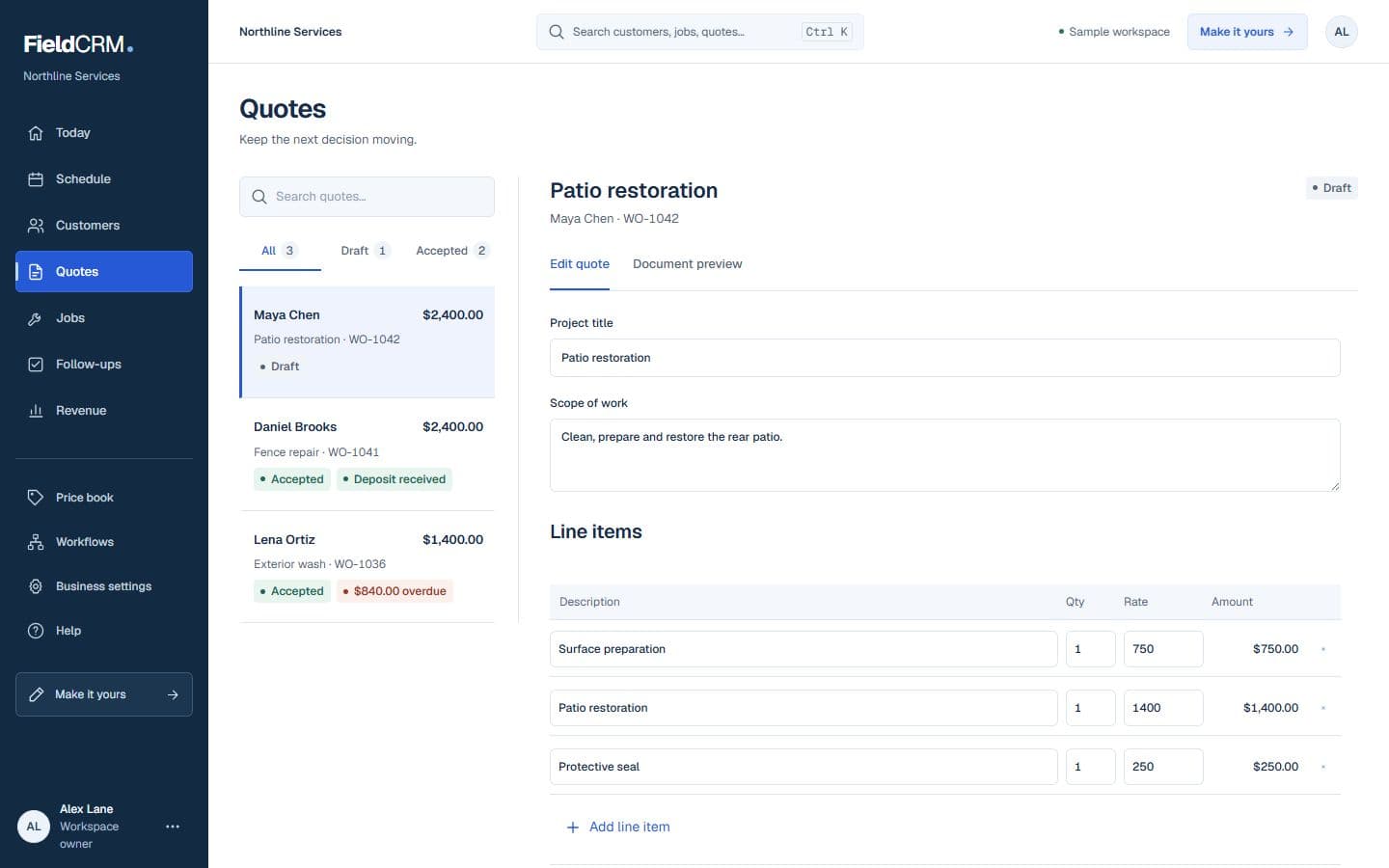
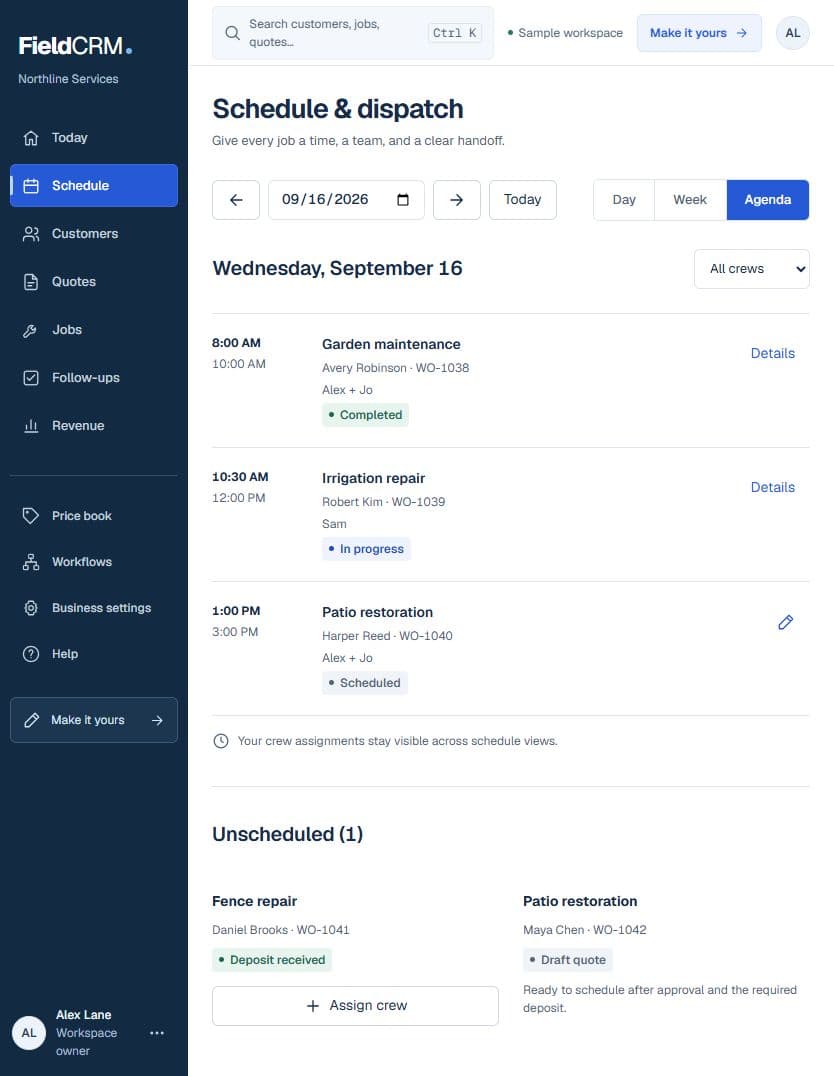
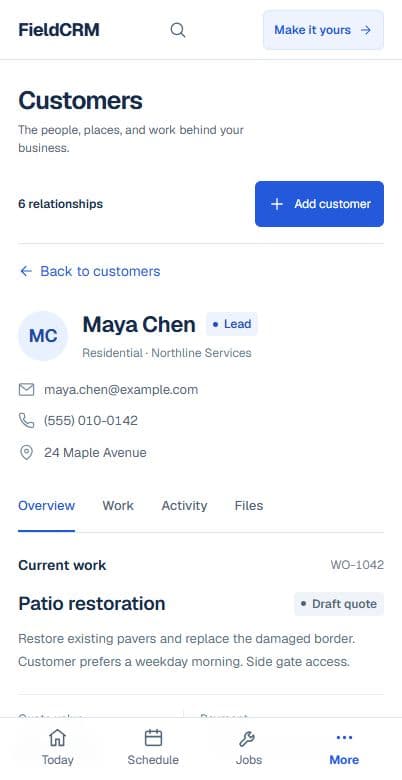
A Work Order is the working record for the request. It keeps the customer, service address, scope, notes, timing, and estimate together. Approval moves the work forward; the scheduled job, payment status, closeout, and follow-up remain connected to the same customer history.
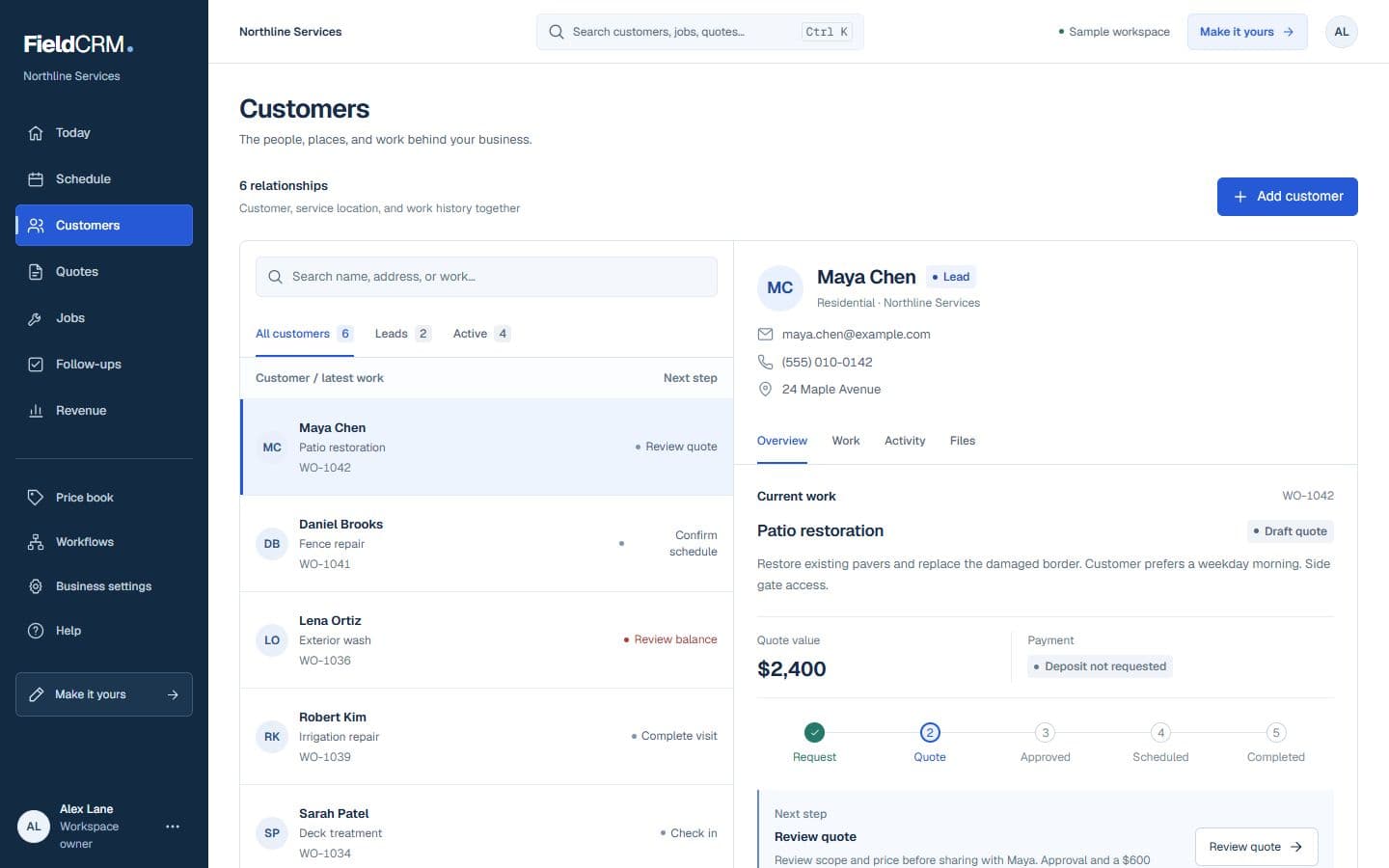
Capture who needs help, where the work is, what they asked for, and the details you need before pricing.
Build the estimate on that Work Order, send a branded quote, and keep the customer's decision with the original request.
Move approved work onto the schedule, then see payment status and closeout details without recreating the customer or scope.
Create the next customer touch and let the Owner Dashboard show what still needs a decision.
Connected does not mean automatic.
FieldCRM can show the next useful action, but you decide when to contact the customer, schedule the job, record completion, or create the follow-up.
Every part of FieldCRM points back to the same customer and work history, so your team sees useful context instead of disconnected records.
Keep contact details, service addresses, access notes, photos, files, and work history in one relationship record.
Capture the request, build an estimate, send a branded quote, and see whether the customer has approved it.
Schedule approved work, keep closeout details with the job, and see what has been paid or still needs attention.
Create the next customer touch and use the Owner Dashboard to see the work, money, and relationships that need a decision.
Get a focused explanation of the record or workflow stage you want to improve.
Keep the customer, the work, the money, and the next action connected.
See solutionCapture incoming work once, then move it toward pricing, approval, and delivery.
See solutionSee which work is ready, scheduled, underway, delayed, or completed.
See solutionPrice the work, present it clearly, and keep the customer decision attached.
See solutionUse the schedule to run confirmed jobs, then use follow-ups to protect the customer relationship and the revenue still in motion.
Scheduling and jobs
The Schedule view shows confirmed scheduled work by day, week, or month so owners can see what is actually on the calendar and what still needs action.
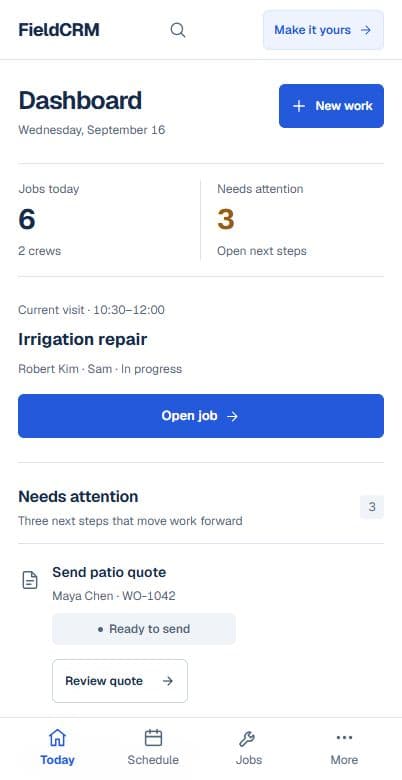
Revenue and follow-up
Follow-Ups and revenue views show open customer touches, money left to collect, and the recommended next move without fabricating outreach or automatic progress.
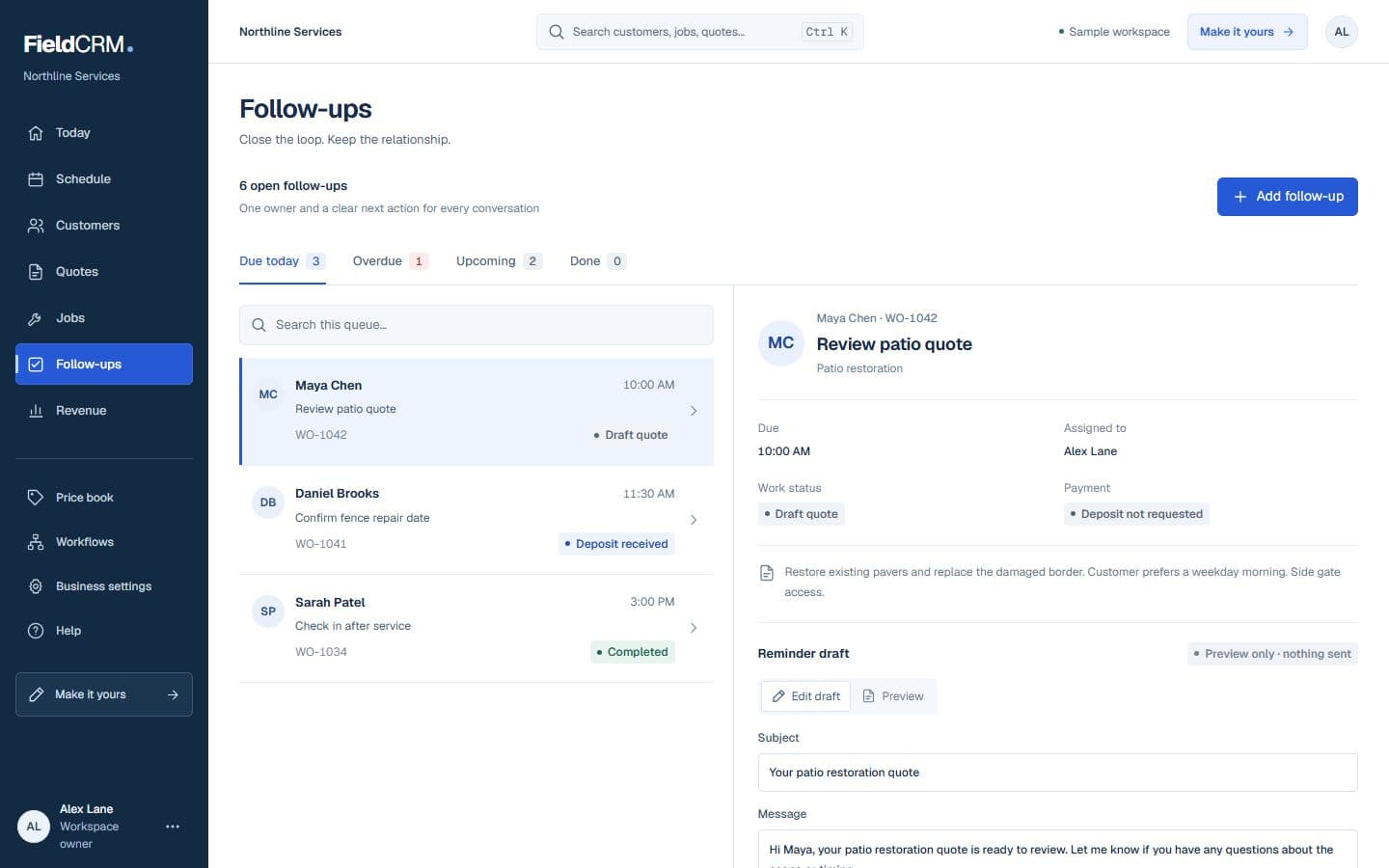
You stay in control. FieldCRM can show a next action and hold a follow-up task. It does not contact customers, schedule jobs, or complete work unless you choose that action.
Try the full core workflow for 14 days. Add a card and pay $0 today.