FieldCRM comparison guide

FieldCRM vs Jobber: choose the workflow your team will actually use.

FieldCRM keeps the owner’s customer-to-paid-job workflow in one straightforward workspace with total monthly pricing. Jobber offers a broader plan ladder, marketplace connections, and higher-tier automation. The better fit depends on the operating depth you will use—not the length of a feature list.

  • 14-day free trial
  • No card required
  • Plans from $29/month
  • No annual contract
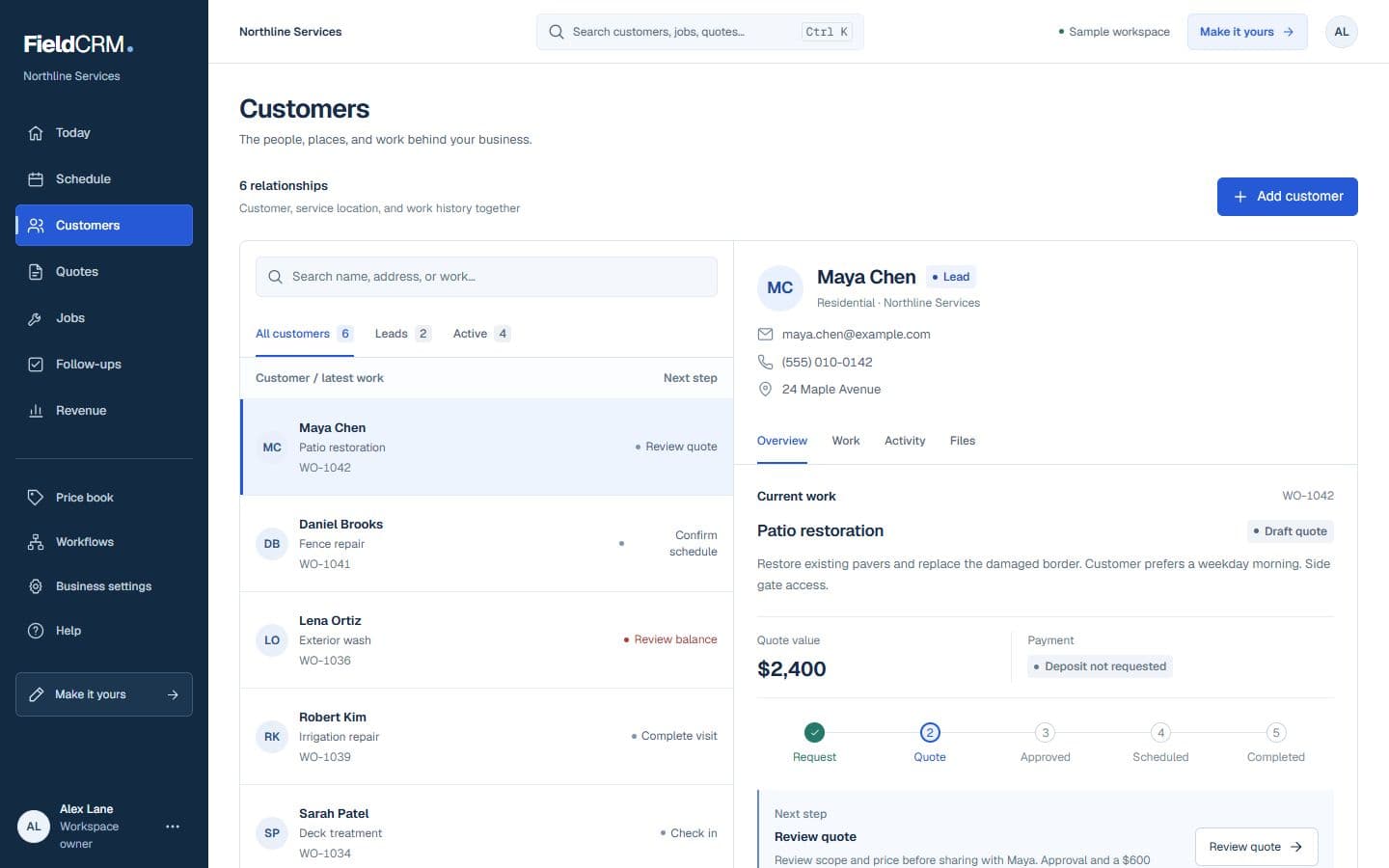
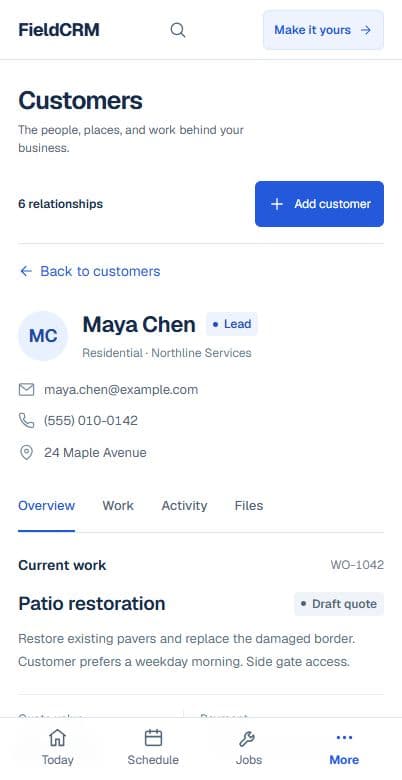
Live FieldCRM customer workspace capture with job sites, Work Orders, quote queue, and next action context.
Live sandbox capture from the authenticated customer/work-order workspace at /app/crm, 1440x900 light, using disposable QA seed data only.

FieldCRM customer and Work Order workspace. No competitor product images are used.

Quick take

Start with fit, then compare price.

FieldCRM is the simpler, lower-cost starting point for an owner-operator or small crew that wants customers, Work Orders, estimates, approvals, jobs, payments, and follow-ups connected. Jobber is worth the added plan comparison when integrations, automation, online booking, or a larger service-business ecosystem are requirements.

Reviewed . Prices and features can change; official links are included below.

FieldCRM and Jobber at a glance

This table uses FieldCRM’s published product information and Jobber’s official pricing page. It does not rely on review-site estimates.

Published FieldCRM and Jobber pricing and product facts reviewed August 11, 2026
Buying factorFieldCRMJobber
Published entry price$29/month total for Solo (1 user).Core is $49/month with no commitment, or $29/month when billed annually, for 1 user.
Free evaluation14-day free trial with no card required.14-day free trial with no card required; Jobber says the trial includes Grow-plan features.
Billing choiceMonth-to-month pricing with no annual contract.No-commitment monthly, monthly with a 1-year commitment, and prepaid annual options are published.
Core product emphasisA connected owner workflow from customer and Work Order through estimate, approval, job, payment, and follow-up.Core lists online booking, quotes, invoices, online payments, a website, reporting, and app marketplace access.

Which one is the better fit?

Neither product is the automatic winner for every service business. Match the tool to the work, people, and cost you have today.

FieldCRM is a strong fit when...

  • Owner-operators who want one-user access for $29 total per month
  • Crews of up to five who want a $49 total monthly plan without an annual contract
  • Teams that want the core customer, Work Order, quote, job, payment, and follow-up path without buying a broader software stack

Jobber may fit better when...

  • Businesses that need Jobber’s QuickBooks Online sync, workflow automations, or app marketplace connections
  • Teams that want online booking, quotes, invoices, payments, a website, and reporting in Jobber’s published Core package
  • Buyers comfortable matching team size and required features to multiple plan and billing options

Buyer checklist

Verify the real cost before deciding.

Use a normal workday and the people who will use the software. A realistic test is more useful than a polished feature demo.

  1. Which Jobber tier contains every integration or automation you would use each week?

    Write down the answer using your current team, required workflow, and ongoing—not promotional—price.

  2. Are you comparing Jobber’s no-commitment monthly price with FieldCRM’s monthly price, rather than a promotional or annual rate?

    Write down the answer using your current team, required workflow, and ongoing—not promotional—price.

  3. Can a new office or field teammate complete one real customer-to-paid-job workflow without extra setup?

    Write down the answer using your current team, required workflow, and ongoing—not promotional—price.

Official sources and comparison notes

We link to each company’s own pricing information so you can check the latest terms yourself.

FieldCRM is an independent product and is not affiliated with, endorsed by, or sponsored by Jobber. Third-party product names and trademarks belong to their respective owners. Comparison information was last verified on August 11, 2026 from publicly available official sources and may change.

  • Jobber’s pricing page displays promotional prices as well as ongoing prices; this guide uses the published ongoing Core prices, not a temporary promotion.
  • Jobber pricing changes by plan, billing commitment, and team size. Confirm the exact configuration in Jobber before purchasing.

Questions owners ask

Keep the decision tied to your workflow, required users, and total recurring cost.

Is FieldCRM affiliated with Jobber?

No. FieldCRM and Jobber are independent products. Jobber’s name is used only to help buyers compare published options.

Which costs less for one user on monthly billing?

As reviewed August 11, 2026, FieldCRM Solo is $29 per month. Jobber Core lists $49 per month for no-commitment monthly billing and $29 per month when billed annually.

When could Jobber be the better fit?

Jobber may be the better fit when your required plan includes integrations, automations, online booking, or marketplace connections that matter more than keeping the core system and price simple.

What should I test before choosing?

Run the same real lead, quote, approved job, payment, and follow-up through both products. Then compare total cost, setup time, team usability, and the features you actually used.

Test FieldCRM with real work before you decide.

Bring one customer, Work Order, estimate, approved job, payment, and follow-up into a 14-day trial. No card required.