Field service CRM software

Field service CRM software for owners and small crews.

FieldCRM is a CRM for field service businesses that keeps customer details, service locations, Work Orders, estimates, scheduling, job and payment status, notes, photos, files, and follow-ups in one connected workspace.

  • 14-day free trial
  • No card required
  • Plans from $29/month
  • No annual contract
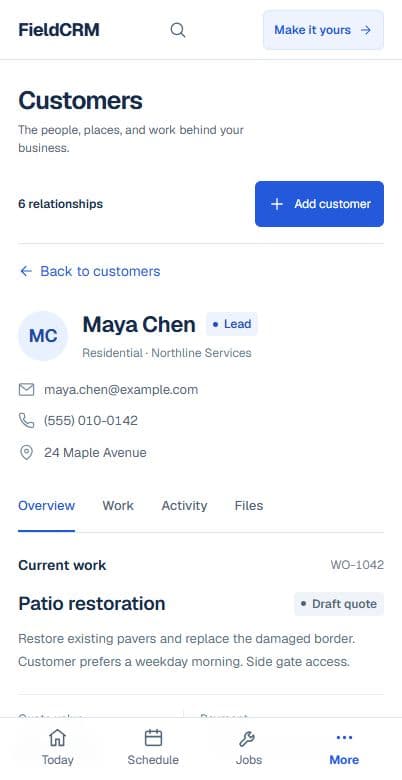
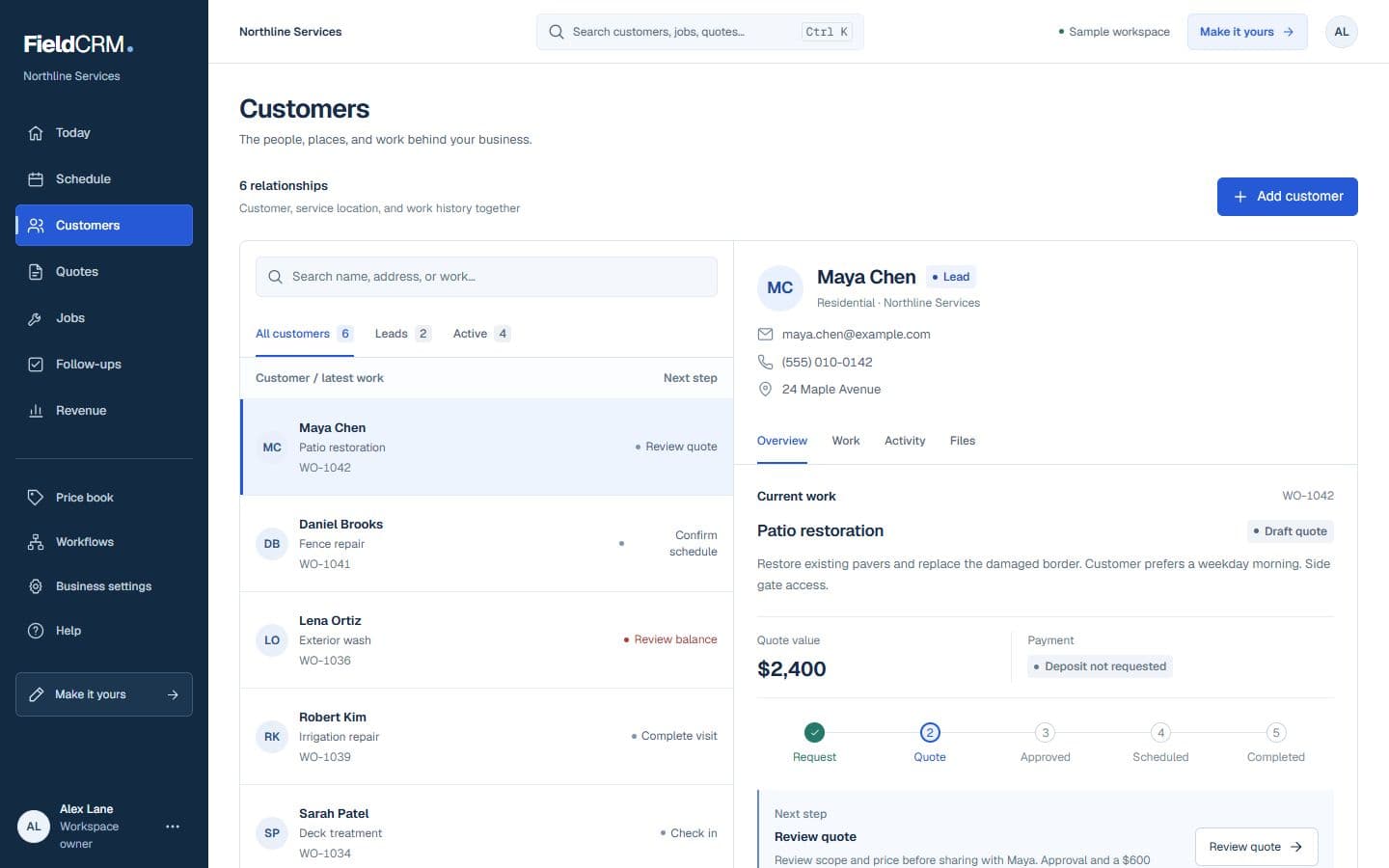
Live FieldCRM customer workspace capture with job sites, Work Orders, quote queue, and next action context.
Live sandbox capture from the authenticated customer/work-order workspace at /app/crm, 1440x900 light, using disposable QA seed data only.

Built for field service owners who manage customers and real work

A general CRM or contact list stops at names and sales notes. FieldCRM keeps the service history beside the customer, so an owner-operator or small crew can see what was requested, quoted, scheduled, completed, paid, and due for follow-up.

What stays with the customer

The record grows with the relationship instead of scattering the story across separate tools.

Customer and company details

Service addresses and access notes

Work Orders and estimate history

Quote decisions and payment status

Scheduled and completed jobs

Notes, photos, files, and follow-ups

One relationship record from first call to follow-up

Each step adds context to the same customer instead of starting the story over.

  1. Create the customer and service location

    Save the contact, property or job site, preferences, access details, notes, and files where the team can find them.

  2. Connect the Work Order and estimate

    Capture the requested work, price it, and keep the customer-facing quote decision attached to the opportunity.

  3. Track the job and payment context

    See scheduled work, completion details, and the payment status that belongs to the customer story.

  4. Create the next follow-up

    Record the next customer touch so repeat work, open decisions, and relationship tasks stay visible.

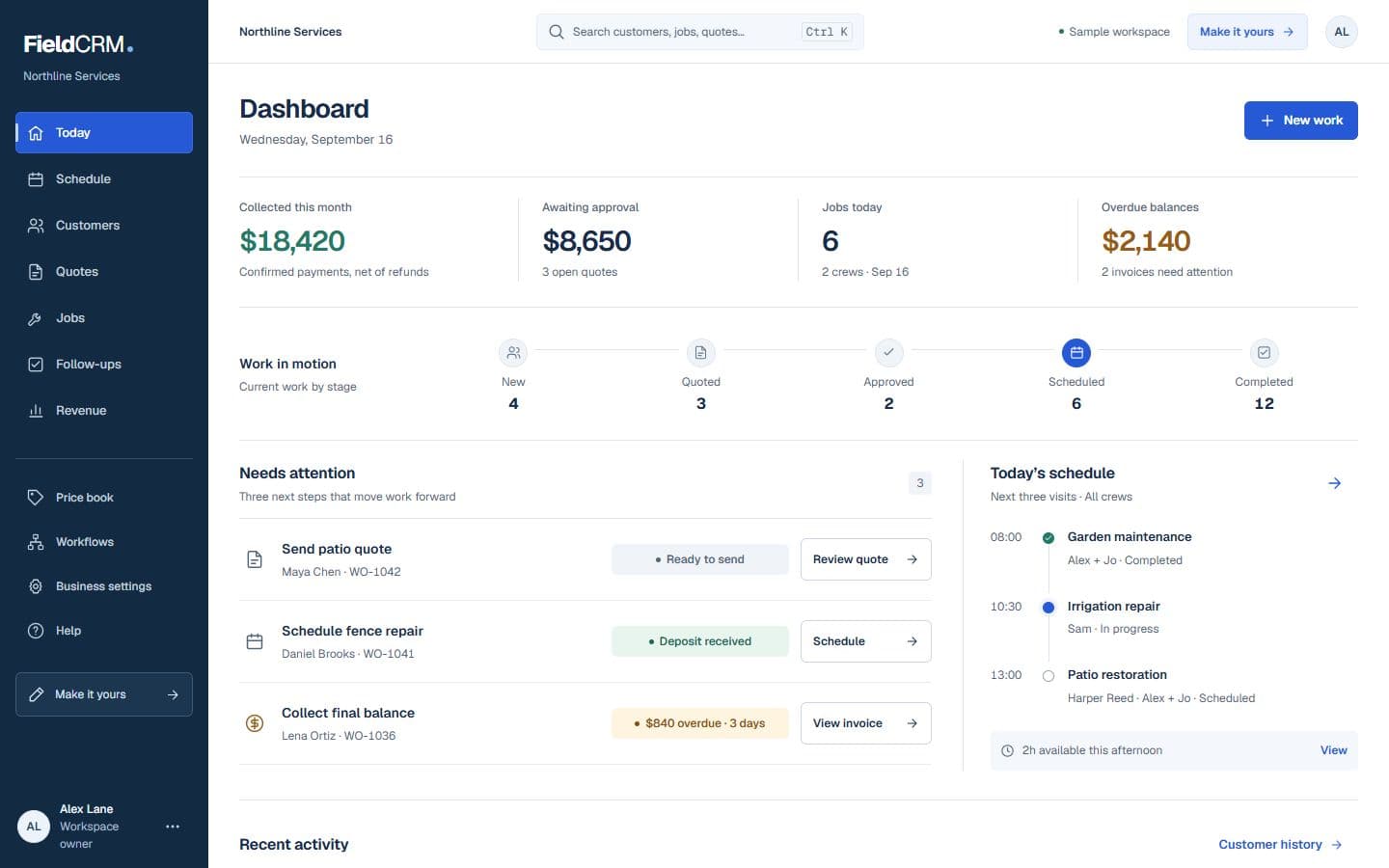
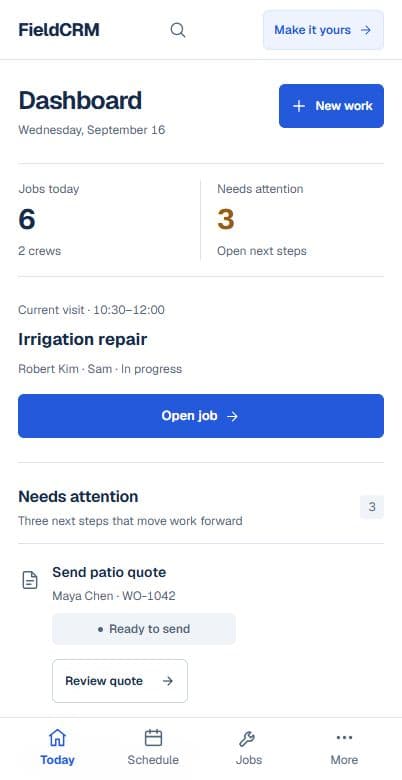
Live FieldCRM Owner Dashboard shown on a laptop with priority work, operations, and money context.
Live sandbox capture over HTTPS from /app/dashboard, 1440x920 light, using disposable QA seed data only.

See what needs attention without rebuilding the story

The Owner Dashboard brings work, money, and customer follow-through into one decision view while the full record remains available behind it.

  • See open Work Orders and quote decisions
  • Keep customer and job-site history together
  • Review scheduled work and payment context
  • Find the next owner-created follow-up

Control and trust

FieldCRM keeps the owner in control

FieldCRM can surface saved context and a suggested next move. It does not contact customers, schedule jobs, or complete work without an explicit owner action.

Field service CRM questions

What makes field service CRM software different from a general CRM?

Field service CRM software connects the customer to service locations, Work Orders, estimates, scheduling, jobs, payments, notes, photos, and follow-ups instead of stopping at sales-contact information.

Can I use FieldCRM for customer management and field service work?

Yes. FieldCRM keeps customer and job-site history connected to the work, including requests, estimates, quote decisions, scheduled jobs, payment status, notes, photos, and next follow-ups.

Can one customer have multiple service locations?

Yes. FieldCRM can keep multiple job sites or service addresses connected to the customer, along with the work and notes for each location.

Can I use FieldCRM from the field?

Yes. FieldCRM works in a web browser on phones, tablets, laptops, and desktops.

Does FieldCRM automatically contact customers or dispatch jobs?

No. FieldCRM keeps the next action, scheduled date, and assigned person visible, but customer communication and job decisions remain explicit owner or team actions.

Give every customer and job one clear home.

Start a 14-day trial with full core workflow access. No card required. Plans start at $29 per month after the trial.