
What is the difference between a Work Order and a job?
A Work Order captures the opportunity, service need, scope, and estimate. A job represents work that is ready to be scheduled or performed.
Work Order intake and pricing
Record a call, text, referral, repeat request, or website inquiry as a Work Order tied to the customer and job site. Keep the service need, urgency, source, timing, notes, photos, and estimate details together.
View monthly pricing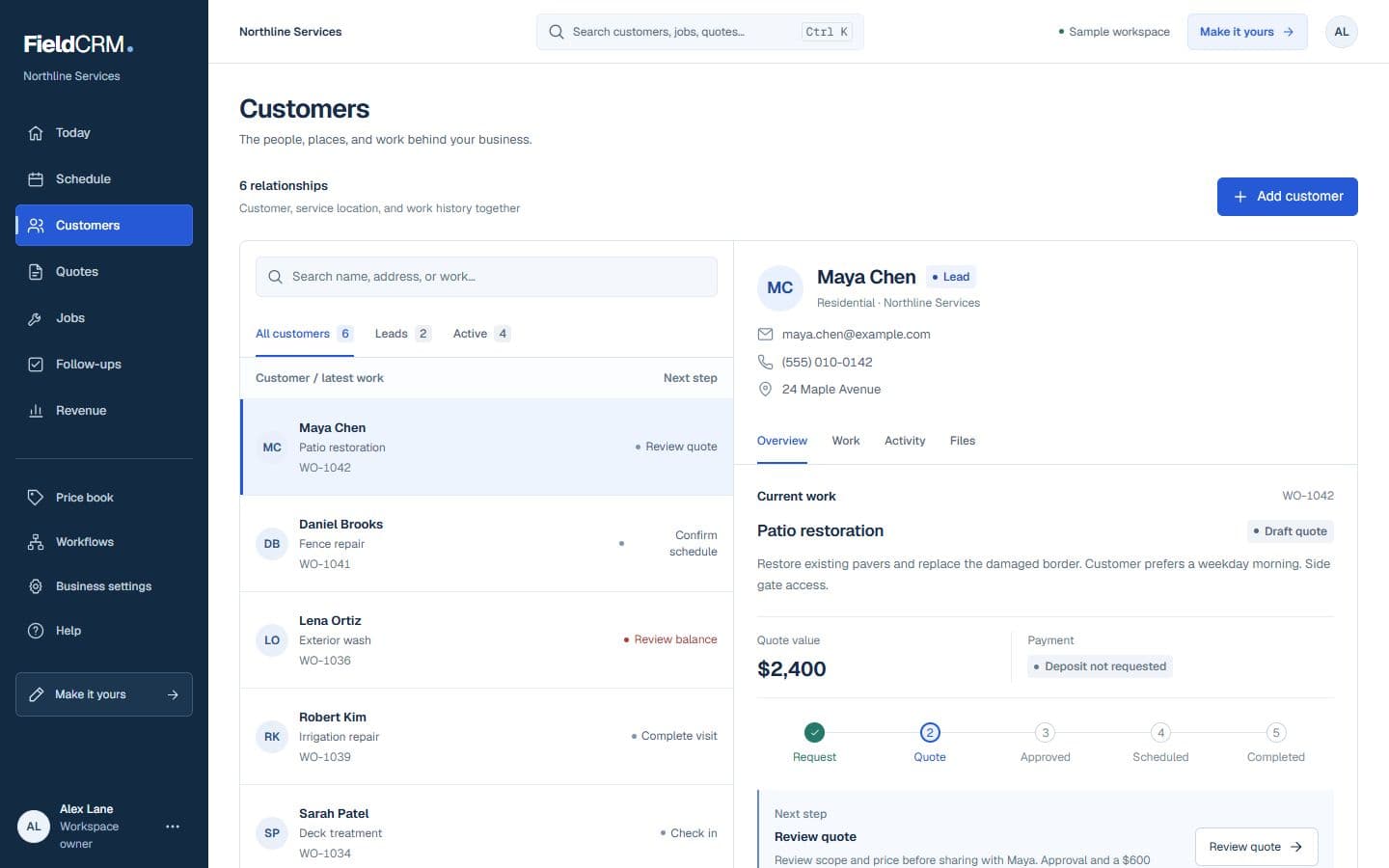
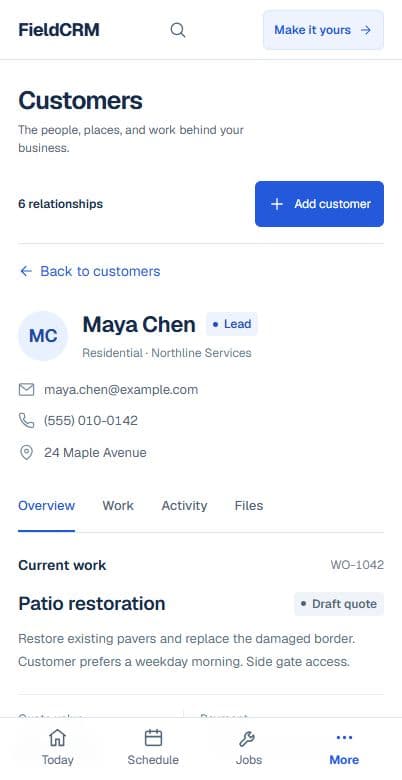
In FieldCRM, the Work Order is the operating record between a customer request and the eventual quote or job. It gives the owner one place to qualify the opportunity, understand the site, price the work, and decide what should happen next.
The details used for pricing and follow-through stay attached instead of being retyped later.
Customer and service location
Service type, scope, and urgency
Lead source and expected timing
Notes, photos, and supporting files
Estimate line items and value
Status, quote decision, and next action
The owner controls each transition, while the record preserves the context behind it.
Create the customer or select an existing one, choose the job site, and capture what is needed, when, and why.
Add scope and line items so the price remains connected to the original service need and site context.
When the owner is ready, send the connected quote and keep the approval, decline, notes, and decision time with the record.
Create and schedule the job without losing the customer, location, pricing, or decision history that came before it.
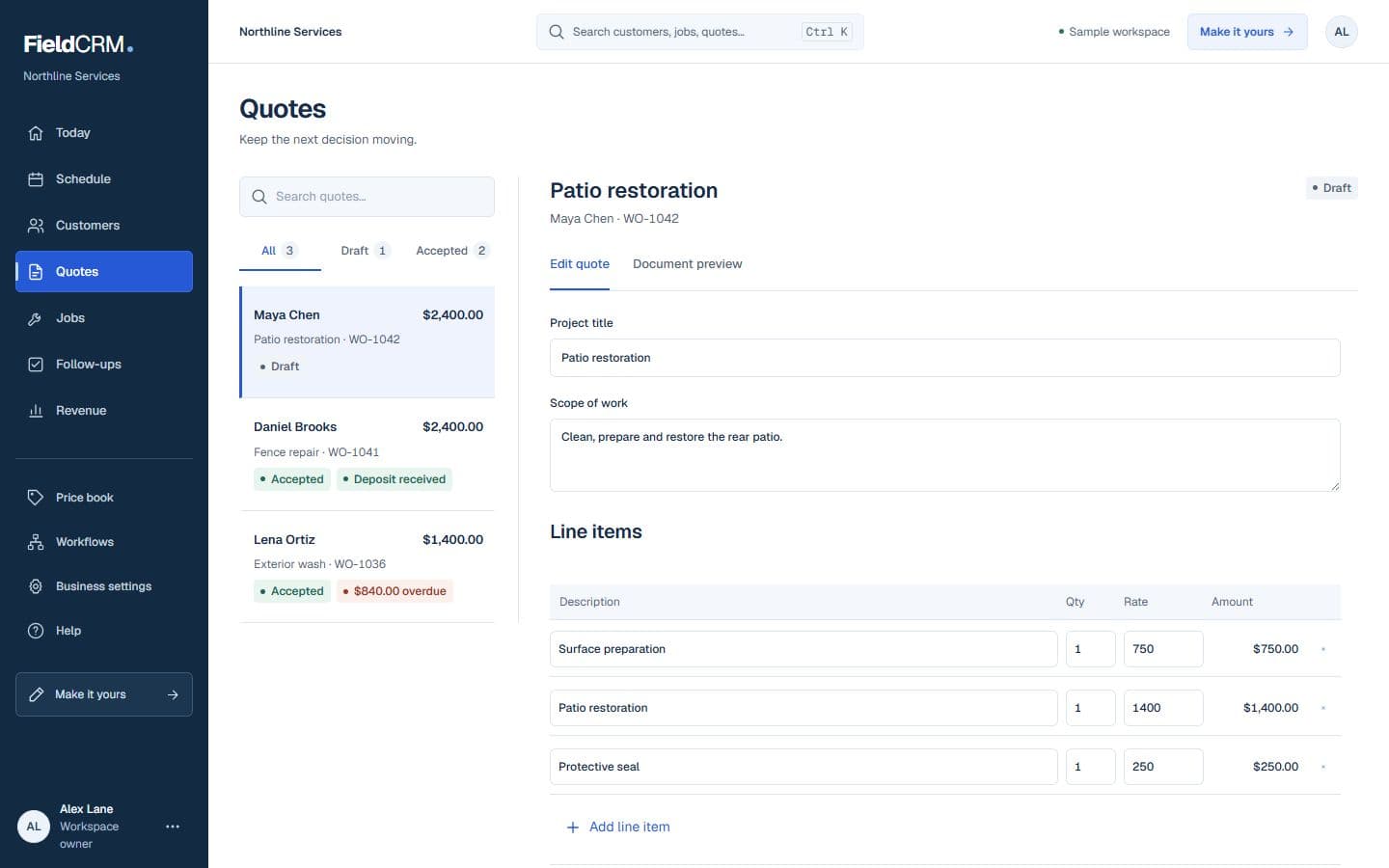
A Work Order captures and prices the opportunity. A job tracks work that is ready to perform. Keeping both connected makes the handoff visible without treating every inquiry like scheduled work.
Control and trust
FieldCRM does not automatically dispatch, assign, send, or schedule a Work Order. The owner chooses when to send a quote and when approved work is ready to become a job.
A Work Order captures the opportunity, service need, scope, and estimate. A job represents work that is ready to be scheduled or performed.
Yes. FieldCRM keeps estimate scope and line items inside the Work Order so the customer quote stays connected to the original request.
No. Sending the quote and creating or scheduling the job require an explicit owner action.
Yes. Its customer, job site, scope, estimate, quote decision, and related job context remain connected for future reference.
Connect customer history through estimate and quote decisions, then track the approved job through completion.
Keep the customer, the work, the money, and the next action connected.
See solutionSee which work is ready, scheduled, underway, delayed, or completed.
See solutionPrice the work, present it clearly, and keep the customer decision attached.
See solutionAdd a card to try the full core workflow for 14 days and pay $0 today. Monthly plans start at $29 with no annual contract.