
Which job statuses can I track?
FieldCRM supports practical states including New, Scheduled, Assigned, In Progress, Delayed, Blocked, Overdue, Completed, and Canceled.
Scheduled work and job visibility
Turn approved work into a job, add the scheduled date and assigned person where applicable, update its status, and keep the customer, service location, notes, photos, files, and next follow-up attached.
View monthly pricing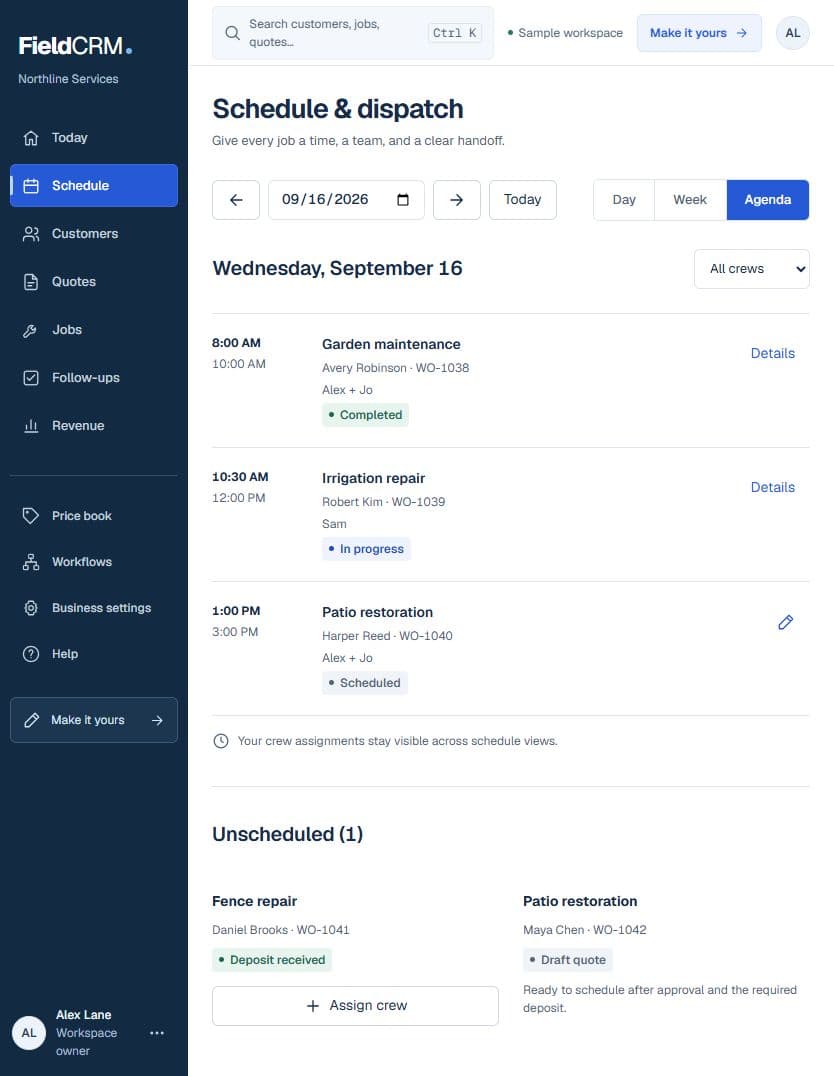
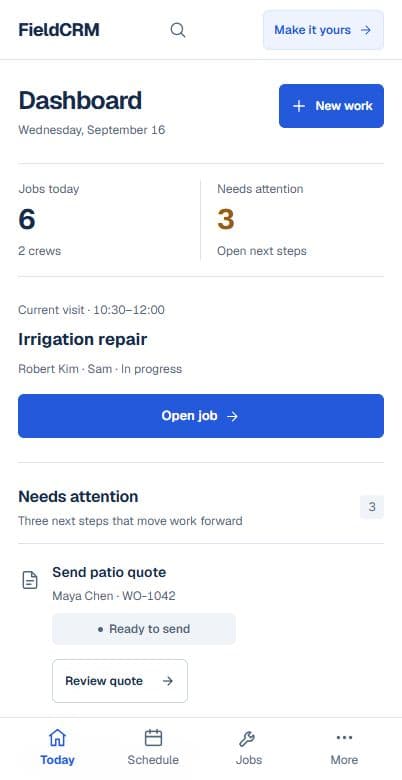
Quoted or waiting work is not the same as a scheduled job. FieldCRM keeps that distinction visible so owners can plan from confirmed records rather than promises buried in texts or memory.
The delivery record remains connected to the customer and the decisions that made the work ready.
Customer and service location
Connected Work Order and quote
Scheduled date and assigned person
Current job status and value
Notes, photos, files, and closeout details
Payment context and next follow-up
Status changes reflect explicit updates by the owner or team, so the calendar and dashboard stay grounded in real work.
Carry the customer, service location, scope, and quote context forward instead of recreating the job from scratch.
Add the date and person responsible, then see confirmed work in day, week, or month calendar views.
Use practical states such as New, Scheduled, Assigned, In Progress, Delayed, Blocked, Overdue, Completed, or Canceled.
Record completion details and create the right follow-up, payment reminder, review request, or repeat-work task.
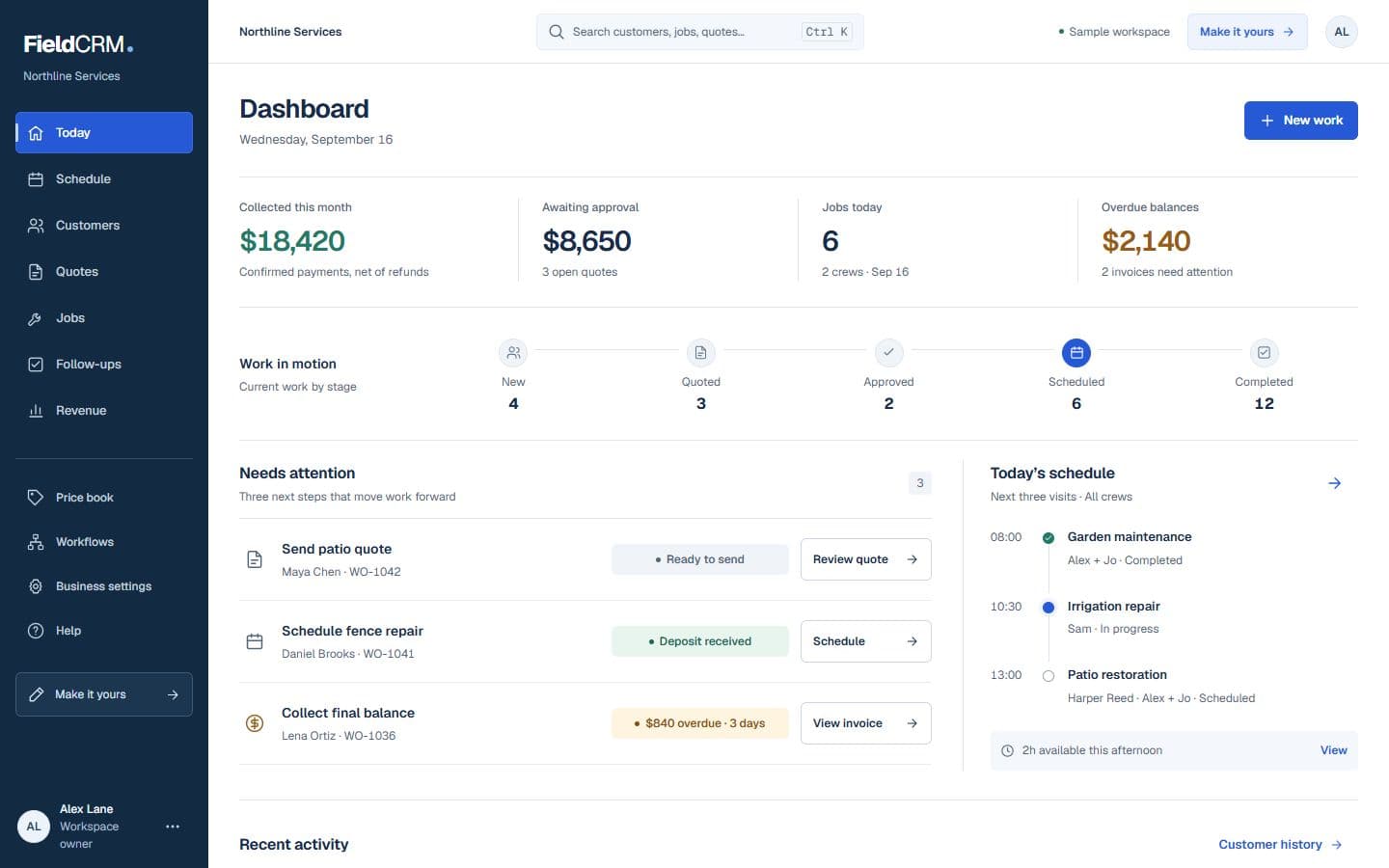
The calendar shows when confirmed jobs are expected. The Owner Dashboard helps surface the work, money, and relationship decisions that still need attention.
Control and trust
FieldCRM does not live-track technician GPS, optimize routes, automatically dispatch crews, or mark jobs complete. Scheduling, assignment, status, and completion remain explicit owner or team actions.
FieldCRM supports practical states including New, Scheduled, Assigned, In Progress, Delayed, Blocked, Overdue, Completed, and Canceled.
Yes. Confirmed scheduled work can be reviewed in day, week, and month calendar views.
Yes. The customer, service location, Work Order, quote context, notes, files, and follow-up can remain connected to the job history.
No. FieldCRM tracks job records, schedules, status, context, and follow-through; it does not advertise live GPS technician tracking.
Start with the customer and Work Order, keep the estimate decision connected, and track only the work that is ready to deliver.
Keep the customer, the work, the money, and the next action connected.
See solutionCapture incoming work once, then move it toward pricing, approval, and delivery.
See solutionPrice the work, present it clearly, and keep the customer decision attached.
See solutionAdd a card to start a 14-day trial with full core workflow access for $0 today. Plans start at $29 per month with no annual contract.