HVAC field service software for service calls, installs, and repeat work

HVAC work depends on the equipment and service location, not just the customer name. System type, model, age, complaint, prior repair, thermostat, access, warranty, maintenance history, and comfort priorities all shape the next step. FieldCRM connects that context with Work Orders, estimates, customer approval, scheduled jobs, payments, completion notes, photos, and maintenance follow-ups for owner-led HVAC businesses. Equipment history stays useful.

Explore a sample business with no account or card. Changes are temporary; nothing is sent or charged.

See the workflow
  • Card required · $0 today
  • Plans from $29/month
  • No annual contract
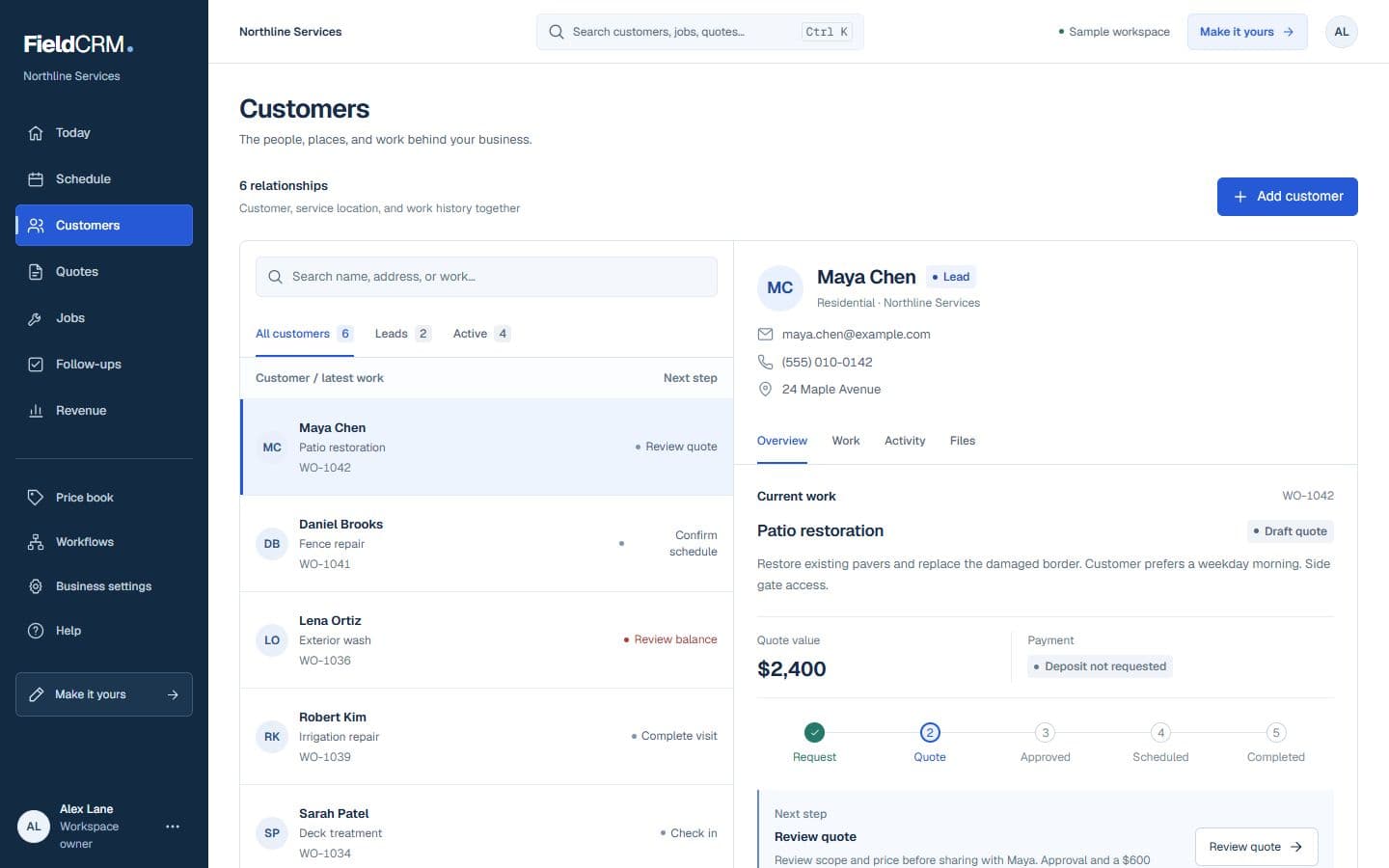
FieldCRM sample customer workspace capture with job sites, Work Orders, quote queue, and next action context.
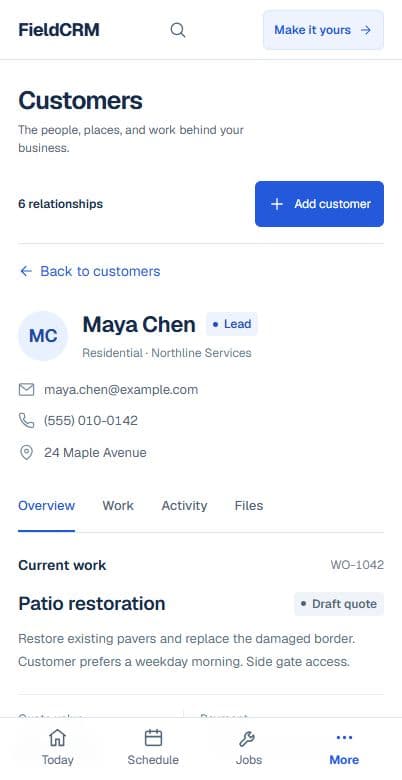
FieldCRM mobile Customer page showing contact details, next best action, job sites, and connected work.
Sample workspace · Fictional business data

Try it without surprises

Know exactly what happens next.

You do not need a sales call to begin. Pricing and trial terms are shown before you confirm.

  1. 01

    Set up your workspace

    Create the account and choose the business type that most closely matches your work.

  2. 02

    Use the real product

    Add a card securely. You pay $0 today and get 14 days to test the complete core workflow.

  3. 03

    Keep it or cancel

    Solo is $29 per month after the trial unless you cancel beforehand. There is no annual contract.

Industry scenario

No-cooling and no-heat calls

Keep customer symptoms, equipment context, urgency, diagnostic findings, repair options, approval, completion, and follow-up connected without diagnosing from the initial message. The final diagnosis remains clear in later service history.

  1. 1Capture the customer, service location, system type, urgency, equipment details, access, and photos
  2. 2Build the estimate with diagnostics, labor, materials, trip charges, and the customer quote decision
  3. 3Schedule and assign approved work, track service and payment status, and create the next maintenance follow-up

Inspect it in the demo

Trace the connected structure before you sign up.

The interactive demo opens in English with fictional HVAC sample data. Use it to inspect how customer history, Work Orders, quotes, scheduling, and follow-up connect.

No account or card is needed. Changes are temporary; nothing is sent or charged.

Open the interactive demo

A clearer path from request to follow-up

Each stage stays attached to the same customer and work history.

01

Capture the request

Record the service address, system and fuel type, reported symptom, thermostat behavior, zones, indoor and outdoor equipment, model or serial details when available, access, occupancy, recent work, and customer photos. Distinguish no-cooling or safety concerns from routine maintenance and mark when on-site diagnosis is required before any repair price.

02

Price and get approval

Build the estimate with diagnostic charges, labor, parts, refrigerant or materials where appropriate, permits, equipment options, warranties, and maintenance recommendations based on the technician's findings. Keep repair-versus-replacement choices and customer approval beside the job so the scheduled work matches the selected solution and current price.

03

Deliver and follow through

Schedule the technician with equipment, symptom, access, warranty, prior-history, and approved-scope notes visible. Record diagnosis, readings or observations the business needs, parts, work completed, startup or testing, photos, customer instructions, payment, and warranty context. Set follow-up for ordered parts, inspection, maintenance, or unresolved comfort concerns.

Everyday work this can organize

No-cooling and no-heat calls

Keep customer symptoms, equipment context, urgency, diagnostic findings, repair options, approval, completion, and follow-up connected without diagnosing from the initial message. The final diagnosis remains clear in later service history.

Maintenance visits

Preserve system details, recurring cadence, prior observations, completed checklist notes, recommended work, customer decisions, and the date of the next seasonal service. Each visit builds on the actual prior condition.

Equipment replacement

Track comfort goals, existing system, proposed options, permits, accessories, installation stages, startup notes, warranty information, payment milestones, and customer handoff. The installed configuration remains available for future service.

Multi-location equipment history

Separate systems and service notes by property so a landlord or small commercial customer does not receive recommendations based on the wrong equipment. Technicians open the correct location before reviewing equipment.

A workflow shaped for hvac work

  1. 01

    Capture the customer, service location, system type, urgency, equipment details, access, and photos

  2. 02

    Build the estimate with diagnostics, labor, materials, trip charges, and the customer quote decision

  3. 03

    Schedule and assign approved work, track service and payment status, and create the next maintenance follow-up

What gets easier for hvac owners

  • Keep equipment, service-call, estimate, and job history with the customer
  • Give office and field staff one place to see scheduled work and assigned-person details
  • Keep seasonal maintenance and replacement follow-ups from getting buried in notes or texts

Frequently asked questions

Can FieldCRM keep HVAC equipment and service history together?

Yes. System details, prior work, photos, estimates, jobs, payments, warranty context, and follow-ups can remain connected to the customer and service location.

Can a small HVAC team schedule approved work?

Yes. Approved work can receive a scheduled date and responsible person, then move through completion, payment, and follow-up. FieldCRM is not enterprise dispatch software.

Does FieldCRM diagnose HVAC systems or calculate equipment sizing?

No. Qualified HVAC professionals remain responsible for diagnosis, load calculations, refrigerant rules, permits, manufacturer requirements, testing, and safe work. FieldCRM supports operations.

Organize your next hvac job.

Add a card to try the full core workflow for 14 days and pay $0 today. Choose your business type during setup.