Pest control software for treatment history, routes, and follow-ups

Pest control customers expect the technician to remember what was found, where activity appeared, what was treated, and when the property should be checked again. Those details matter across recurring visits and callbacks. FieldCRM connects the customer's concern, property notes, inspection context, estimate, scheduled service, treatment record, payment, and next follow-up while leaving product selection and regulatory compliance to licensed professionals.

Explore a sample business with no account or card. Changes are temporary; nothing is sent or charged.

View pricing
  • Card required · $0 today
  • Plans from $29/month
  • No annual contract
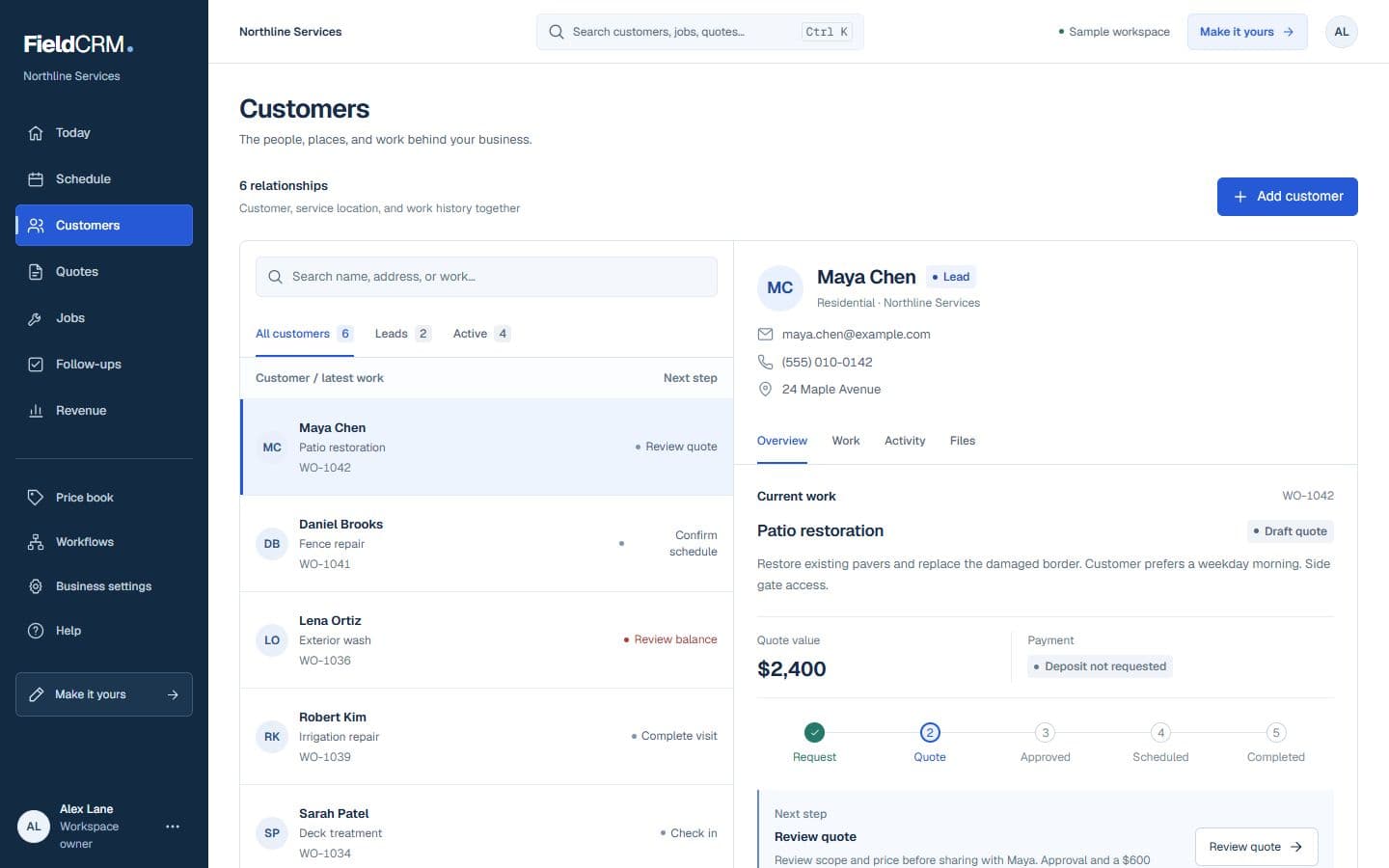
FieldCRM sample customer workspace capture with job sites, Work Orders, quote queue, and next action context.
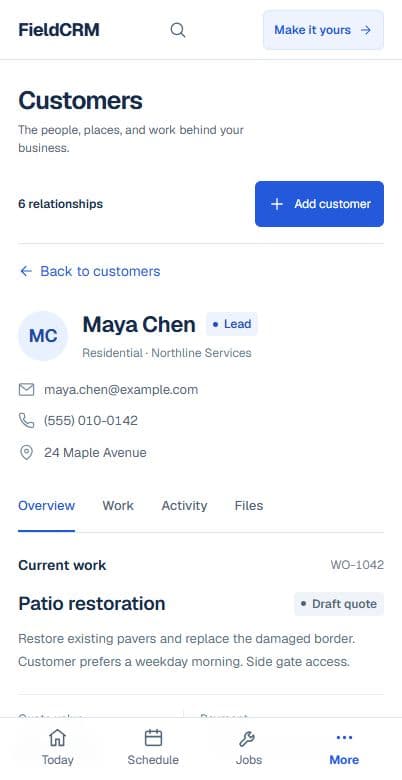
FieldCRM mobile Customer page showing contact details, next best action, job sites, and connected work.
Sample workspace · Fictional business data

A clearer path from request to follow-up

Each stage stays attached to the same customer and work history.

01

Capture the request

Record the reported pest, affected areas, duration, signs observed, occupants, pets, sensitive environments, access, prior treatment, and photos when useful. Note whether the request needs an inspection before pricing and whether immediate safety or structural concerns require a different professional. Keep separate service locations clear for customers managing more than one property.

02

Price and get approval

Price inspection, initial treatment, follow-up visits, recurring frequency, covered areas, exclusions, and optional prevention work from the documented situation. Explain what the plan includes and what may require reassessment. Keep the approved service level and customer communication attached rather than relying on a verbal promise about guaranteed elimination.

03

Deliver and follow through

Schedule the technician with target issue, access, occupants, pets, sensitive-area, and prior-history notes visible. Record findings, work performed, product or device information required by the business, customer instructions, exceptions, payment, and photos. Create the next inspection, recurring visit, callback, or escalation follow-up from the actual outcome.

Everyday work this can organize

Recurring perimeter service

Preserve property access, target history, recurring cadence, prior observations, customer concerns, and the next scheduled touchpoint across route visits. Each technician sees what changed since the last treatment.

Rodent inspection follow-up

Document reported activity, entry observations, devices or exclusions, customer responsibilities, monitoring dates, and whether another trade must address a structural condition. Open actions remain attached to the inspection history.

Commercial account notes

Keep site contacts, operating hours, sensitive areas, service logs, recurring expectations, and exception follow-ups organized for restaurants, offices, or managed properties. The account retains continuity when contacts or technicians change.

Callback evaluation

Review the original concern, covered scope, work history, instructions, photos, and elapsed time before deciding whether a return is included or newly quoted. The decision stays visible for later customer questions.

A workflow shaped for pest control work

  1. 01

    Capture pest issue, area, and safety notes

  2. 02

    Track treatment and products used

  3. 03

    Schedule the next service or inspection

What gets easier for pest control owners

  • Keep treatment history connected
  • Make recurring service easier to manage
  • Improve customer communication around follow-ups

Frequently asked questions

Can FieldCRM keep pest treatment history by property?

Yes. Inspection notes, prior work, customer instructions, photos, scheduled service, payments, and follow-ups can remain connected to the appropriate service location.

Can recurring pest-control visits stay connected?

Yes. The customer and property history can provide context across scheduled services while follow-ups track callbacks, monitoring, and future inspection needs.

Does FieldCRM provide labels, chemical guidance, or compliance records?

No. Licensed professionals remain responsible for product labels, application records, notification, licensing, safety, and local requirements. Use dedicated compliance tools where required.

Organize your next pest control job.

Add a card to try the full core workflow for 14 days and pay $0 today. Choose your business type during setup.