Handyman CRM for repair requests, parts, quotes, and follow-up

Handyman work arrives as a stream of small, unrelated problems: a sticking door, damaged drywall, loose railing, fixture replacement, or punch list with ten items. Profit depends on capturing enough detail before the visit and preventing one forgotten task from turning into a return trip. FieldCRM keeps photos, measurements, parts, access, estimates, approvals, jobs, payments, and warranty follow-ups tied to the right customer.

Explore a sample business with no account or card. Changes are temporary; nothing is sent or charged.

View pricing
  • Card required · $0 today
  • Plans from $29/month
  • No annual contract
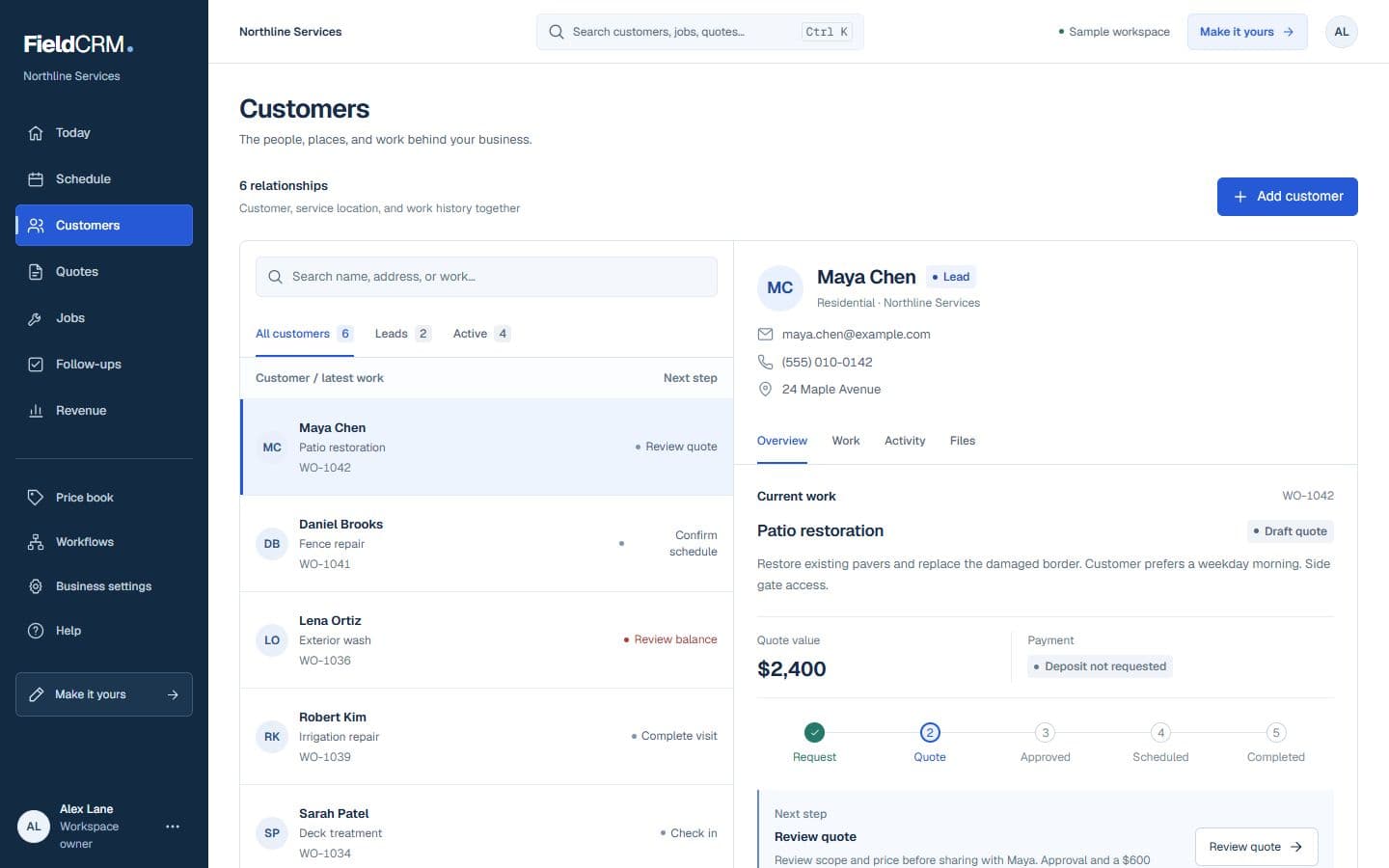
FieldCRM sample customer workspace capture with job sites, Work Orders, quote queue, and next action context.
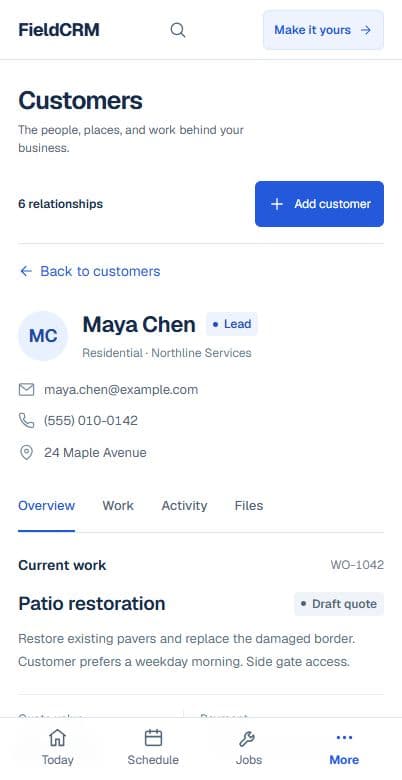
FieldCRM mobile Customer page showing contact details, next best action, job sites, and connected work.
Sample workspace · Fictional business data

A clearer path from request to follow-up

Each stage stays attached to the same customer and work history.

01

Capture the request

Ask for a clear description and photos of every requested repair, then record measurements, location inside the property, access limitations, urgency, known materials, and whether diagnostic time is needed. Separate must-do items from optional work so the owner can plan one efficient visit instead of discovering an expanding list after arrival.

02

Price and get approval

Build the estimate with labor, trip or diagnostic charges, materials, disposal, and clearly described line items for each repair. When the exact condition cannot be known before opening a wall or removing a fixture, state the assumption and approval boundary so a change does not become an unexplained invoice surprise.

03

Deliver and follow through

Carry the approved list, photos, parts, and customer decisions into the scheduled job. Mark completed items, note hidden conditions, record approved changes, and save closeout photos or warranty details. Follow up on any ordered part, deferred repair, customer question, or additional work discovered during the visit.

Everyday work this can organize

Multi-item punch lists

Break a household list into visible line items so the owner can price, approve, and close each repair without losing the smaller tasks. The customer can understand which items remain deferred.

Drywall and trim repairs

Keep damage photos, dimensions, texture or profile details, paint expectations, and drying or return-visit needs attached to the correct room and job. That context prevents a mismatched material on the return.

Fixture replacement

Record model, finish, customer-supplied versus contractor-supplied parts, shutoff or electrical needs, and disposal expectations before scheduling the installation. The technician arrives knowing the agreed supply responsibility.

Warranty and callback work

Review the original scope, completion date, photos, and prior notes before deciding whether a callback is warranty work, a new issue, or an added request.

A workflow shaped for handyman services work

  1. 01

    Capture photos, parts, and urgency

  2. 02

    Quote the visit or project

  3. 03

    Track approvals, jobs, and warranty notes

What gets easier for handyman services owners

  • Stop losing small repair details
  • Keep parts and approvals organized
  • See which requests need follow-up

Frequently asked questions

Can FieldCRM handle several repairs in one handyman visit?

Yes. Owners can document separate tasks and pricing inside one connected Work Order, then retain the approval, job status, payment, notes, and photos together.

Can I track parts that must be ordered before returning?

Yes. Part details and follow-up tasks can remain connected to the customer and work history so the return visit does not rely on a loose reminder.

Does FieldCRM diagnose building or safety problems?

No. FieldCRM organizes information and workflow; the qualified professional remains responsible for inspection, code requirements, trade licensing, diagnosis, and safe completion of the work.

Organize your next handyman services job.

Add a card to try the full core workflow for 14 days and pay $0 today. Choose your business type during setup.